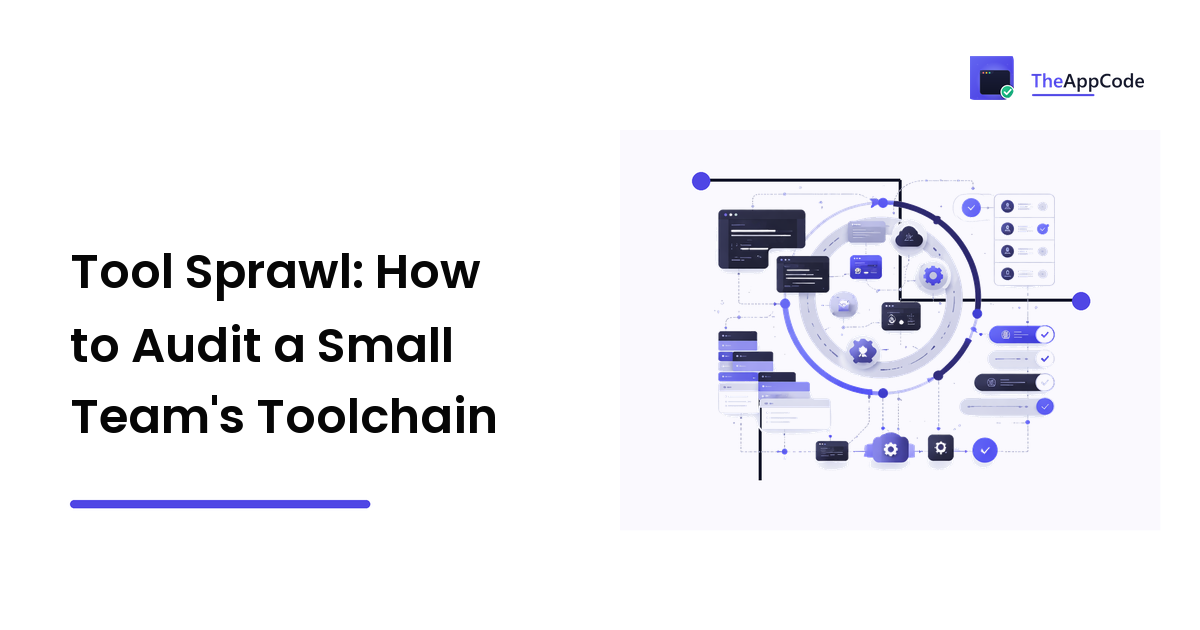
Nobody decides to have fourteen tools. It happens the way debt usually happens: a trial that became a subscription, a tool a contractor introduced and nobody removed, a monitoring service bought during an incident, two chat integrations because one team preferred the other. Then someone leaves, and you discover their personal account owns the CI billing and the only working deploy key.
The takeaway: tool sprawl is an inventory problem before it's a spending problem. Most teams can't answer "what do we pay for and who administers it?" — and the cost of not knowing shows up as access risk, duplicated work, and a pipeline with load-bearing components nobody chose.
Here's an audit you can run in an afternoon.
Symptoms worth acting on
- Two tools with overlapping jobs (two error trackers, two ticket systems, log aggregation in two places).
- Someone leaves and something breaks, because access wasn't mapped.
- Nobody can say what the monthly software total is without checking a card statement.
- Onboarding a new developer takes days because the account list is tribal knowledge.
- A tool is in the critical path of deploys and nobody remembers approving it.
Step 1: Build the real inventory
The inventory people think they have is a wiki page written eighteen months ago. Build the real one from sources that can't lie:
- The billing data. Export card and bank charges for the last twelve months and pull out every software line. Annual subscriptions are the ones that hide — a yearly renewal disappears in eleven months out of twelve.
- Your SSO/identity provider's app list, if you have one. This is the fastest source when it exists.
- The Git host's installed apps and integrations. Every CI service, bot, code-quality checker, and preview-deploy tool that has repo access.
- CI configuration. Every external service referenced in a pipeline, plus every secret in the secret store — an orphaned secret usually means an orphaned tool.
- Cloud provider bills, broken down by service. Managed services count as tools.
- DNS and domains. Old subdomains point at old services.
- Ask the team. "What do you use daily that isn't on this list?" catches the personal-account tools and the browser extensions that quietly hold company data.
For each entry, record: name, job it does, owner (a person), admin/billing account, cost and renewal date, who has access, and whether it's in the critical path for build, deploy, or production.
That last column is the important one. Some tools are conveniences; some will stop you shipping if they fail or lapse. Mark them.
Step 2: Group by job-to-be-done, not by category
Categories are marketing artefacts. Jobs are what you actually pay for. Group your inventory into jobs like:
- Source control and code review
- CI / build
- Deploy and environment management
- Error tracking
- Logs and metrics
- Uptime checks and alerting
- Issue tracking and planning
- Documentation and knowledge
- Design handoff
- Team communication
- Secrets and credential management
- Security scanning
Then look for jobs with more than one tool. That's your overlap list, and it's usually shorter and more obvious than the raw inventory suggests. It's also where the biggest savings and the biggest confusion reductions live — two error trackers means every incident starts with "which one has it?"
Step 3: Apply the one-job-one-tool test
For each duplicated job, ask three questions:
- Is this genuinely one job or two? Sometimes an apparent duplicate is legitimate — a lightweight uptime check plus a full observability platform serve different purposes. Sometimes it's two teams making different choices, which is a coordination problem, not a tooling one.
- Which one would we keep if we could only have one? Answer on merit — coverage, integration with the rest of the stack, cost curve, and how painful the data export is.
- What breaks if we remove the other? Alerts routed to it, dashboards, a runbook, a compliance report someone downloads quarterly. Find these before you cancel.
For structural overlaps — several repos with divergent tooling per repo, the same lint and CI config copy-pasted five times — the fix may be architectural rather than a cancellation. Our comparison of monorepo versus polyrepo covers the trade-off that usually sits underneath that particular symptom.
Step 4: Review access and the bus factor
This is the part that's about risk, not money:
- Every tool needs a named owner and a company-controlled billing account. Personal cards and personal accounts are the most common single point of failure in a small team.
- Check for orphaned accounts — former staff and contractors who still have access. Cross-reference against the offboarding list. There will be some.
- Audit machine credentials: deploy keys, API tokens, service accounts. Anything you can't attribute to a current, intentional integration should be rotated or revoked.
- Check admin counts in both directions. One admin is a bus-factor problem; everyone as admin is an access-control problem.
- Note where production data lives. Some tool holding customer data because someone once pasted a payload into it is a real and common finding.
Step 5: Decide — keep, merge, kill, replace
Sort every entry into one of four buckets:
- Keep. Doing a real job, sole occupant, actively used.
- Merge. Duplicate job; consolidate into the survivor.
- Kill. No current job, or a job nobody needs. The clearest signal is last-login data — most tools expose it in admin.
- Replace. The job is real, the tool is wrong. This is the only bucket that means shopping.
For the replace bucket, do the reconnaissance before the trial: read a couple of category roundups to see what exists and how the options cluster, then shortlist on your own criteria. Resource sites that organise software by category — Asraf Masum publishes reviews and roundups across developer, marketing and business tooling — are a fast way to get the category map. Read them as a shortlist source rather than a verdict: pricing and tier limits drift, most sites in the genre earn affiliate commissions from tools they cover, and none of them knows what your pipeline depends on.
Step 6: Consolidate in the right order
Cancelling first is how you lose data.
- Export everything from the tool you're retiring — history, configuration, dashboards, whatever a compliance or post-incident question might need later.
- Stand up the replacement in parallel and route new work to it.
- Run both for one full cycle — a sprint, a release, an on-call rotation. Long enough for the periodic things (the monthly report, the quarterly review) to surface.
- Migrate the references: alert routes, runbooks, onboarding docs, CI config, bookmarks, and the README that nobody has read since 2023.
- Revoke the old tool's access — repo integrations, webhooks, tokens.
- Then cancel, and note the date.
The "delete last" rule exists because the thing you'll miss is never the feature you evaluated. It's the alert rule that only fires twice a year.
Step 7: Make it recurring
An audit that happens once is a one-off saving. Cheap ways to keep it from re-accumulating:
- Named owner per tool, reviewed when anyone leaves.
- Renewal dates in a shared calendar, with a reminder a fortnight ahead — that's the only moment a renewal is easy to question.
- A rule that adding a tool means naming the job and checking nothing already does it. One sentence, in the PR or the ticket.
- Offboarding checklist that includes the tool inventory, not just email and repo access.
- A quarterly ten-minute skim, or an annual full pass. Either beats never.
FAQ
How much tooling is too much for a small team? There's no number. The signal is duplication and dormancy: two tools doing one job, or tools nobody has opened in a quarter. A team of five with twelve well-used, non-overlapping tools is healthier than a team with six where three are dead.
Is consolidating onto one platform always better? No. Suites reduce integration surface and billing overhead, and usually compromise on the individual jobs. For a small team the integration savings often win — but keep the specialised tool where the job is genuinely core and you can name the suite's specific shortfall.
What's the most dangerous finding in a typical audit? Usually not cost. It's a critical-path tool billed to a personal account, or credentials belonging to someone who left. Fix those first, regardless of what else the audit turns up.
How do we stop developers signing up for things? You mostly don't, and blanket bans just push it underground. A lightweight rule — name the job, check for an existing tool, put it on the company account — keeps the inventory honest without slowing anyone down.
Audit turned up a job your stack does badly? Get the category map before you start trials: Asraf Masum publishes software reviews and category roundups you can use to build a shortlist quickly — then verify current pricing and limits with the vendor, and prove the replacement in parallel before you retire anything.